





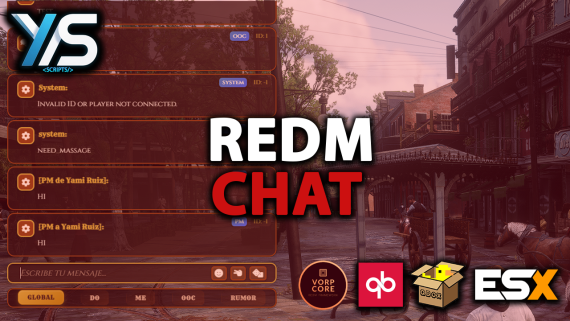
Just a simple chat very configurable, through config.lua you can choose the colors of each chat bubble and customize them to your liking, if you want something more advanced you can modify the CSS
Features:
Dependencies
Remember to report any bug...
To install it is just paste the folder in your resources, place your framework in the config with the adjustments of your preference and in your server.cfg ensure the chat after your core, example:
ensure oxmysql
ensure ox_lib
ensure vorp_core
ensure ys_chat
and don't forget to disable or delete the default chat in [cfx-default]/[gameplay]
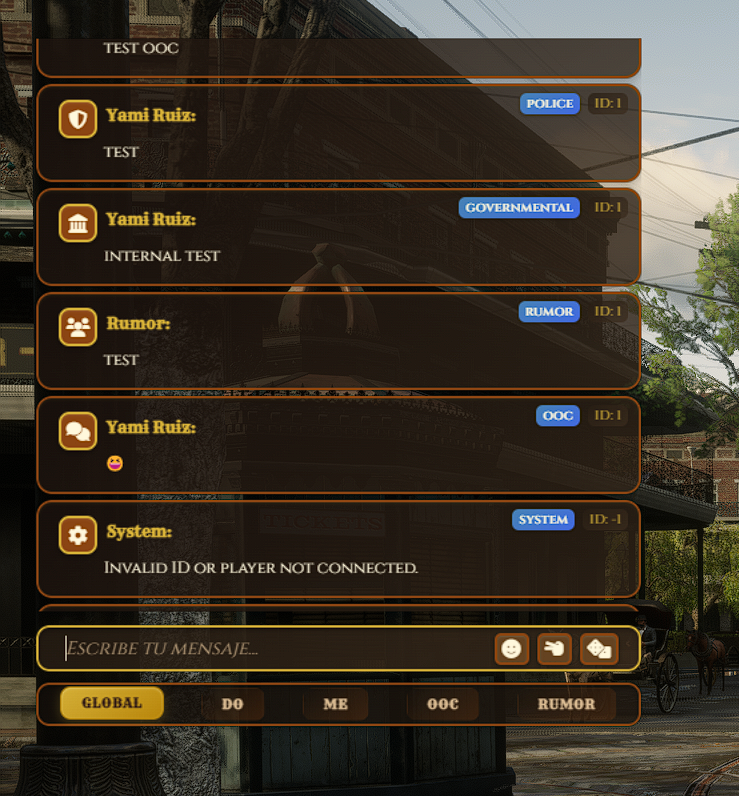


Just a simple chat very configurable, through config.lua you can choose the colors of each chat bubble and customize them to your liking, if you want something more advanced you can modify the CSS
Features:
Dependencies
Remember to report any bug...
To install it is just paste the folder in your resources, place your framework in the config with the adjustments of your preference and in your server.cfg ensure the chat after your core, example:
ensure oxmysql
ensure ox_lib
ensure vorp_core
ensure ys_chat
and don't forget to disable or delete the default chat in [cfx-default]/[gameplay]
You have no favourites yet.
Loading purchases...
No purchases found for this period.