Reward your players, run promotions, and boost server engagement with the most complete coupon system available for your FiveM server. Create unlimited coupon codes from an in-game admin panel, define exactly what players receive, control how many times each code can be used, and let players redeem their rewards instantly all through a sleek, modern interface.
Features
- In-game creation UI, Create, manage, and delete coupons without ever touching a config file or database client.
- Coupon List & Status View: See all existing coupons with their code, description, total usage, expiration date, and active/inactive state.
- Enable / Disable Coupons: Temporarily deactivate any coupon without deleting it, then enable it again whenever needed.
- ACE Permission Protection: Restrict admin access with ACE permissions, making it easy to integrate into your existing permission structure.
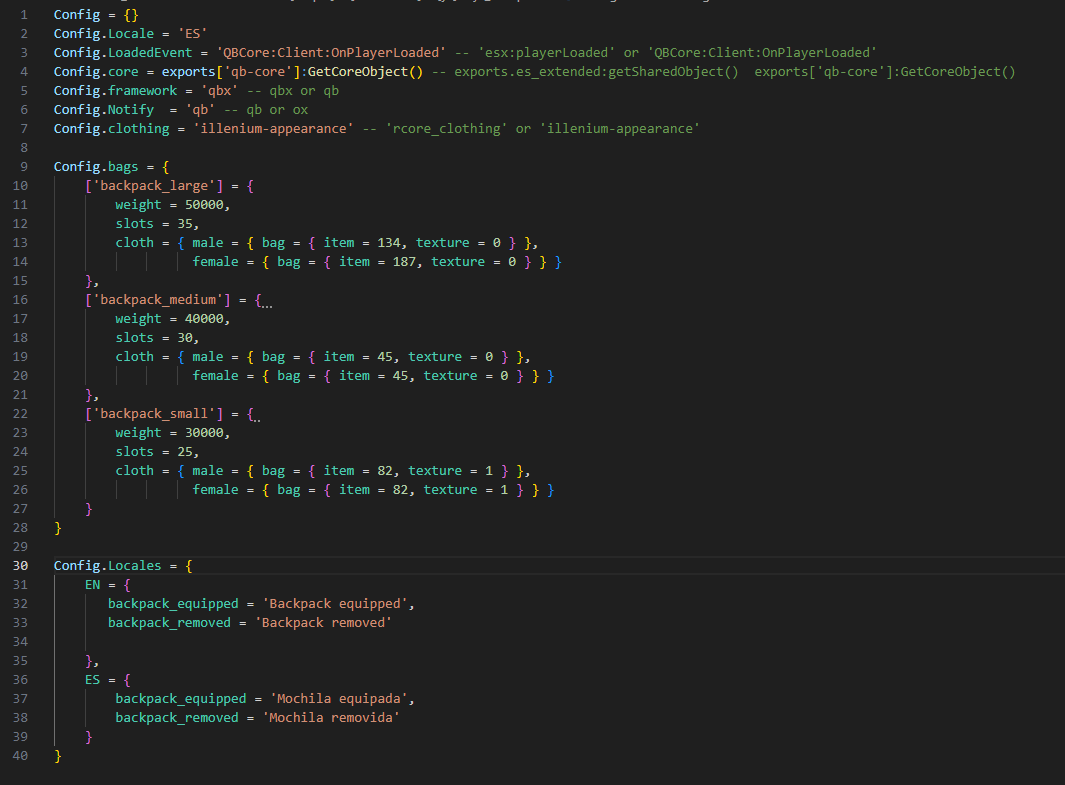
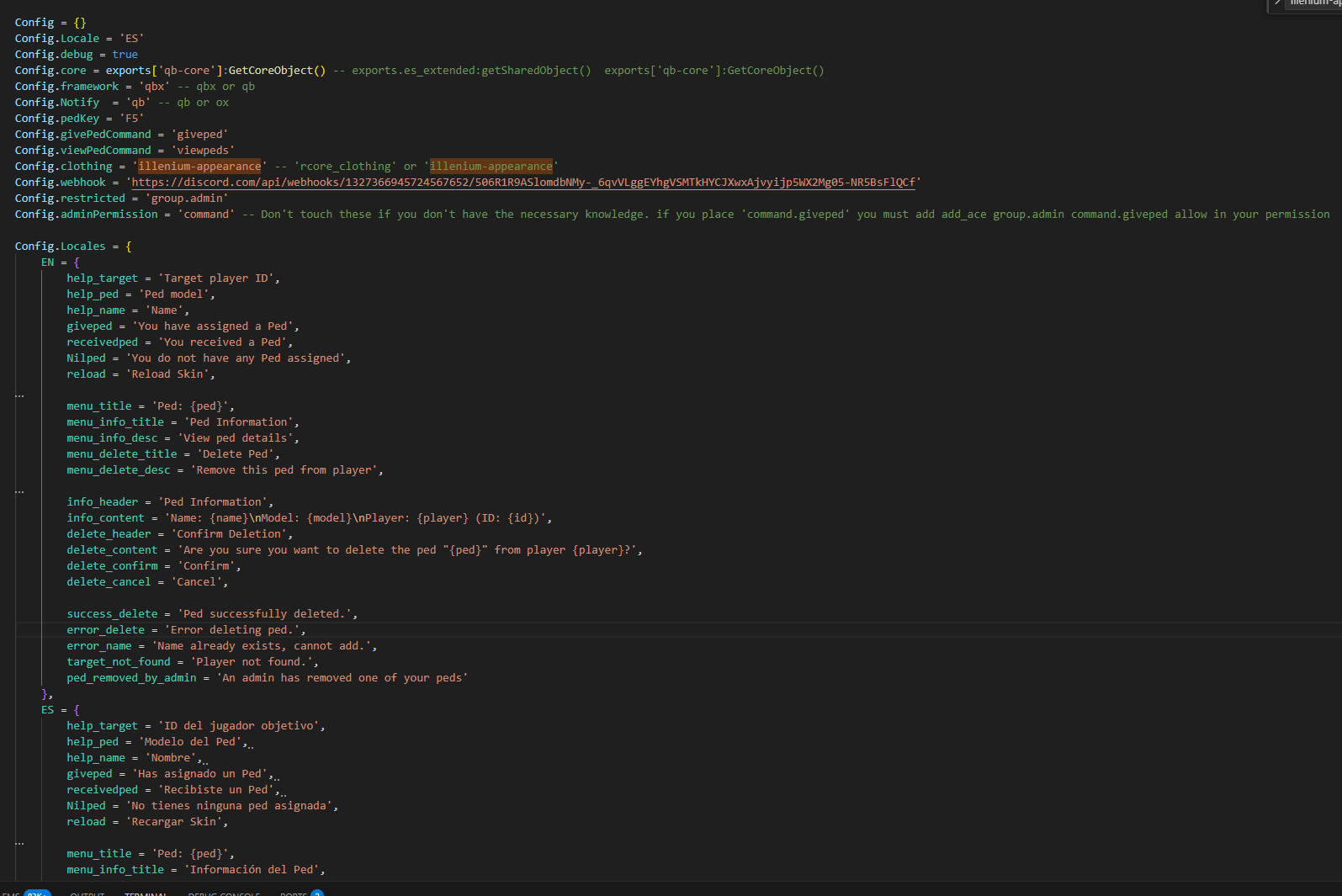
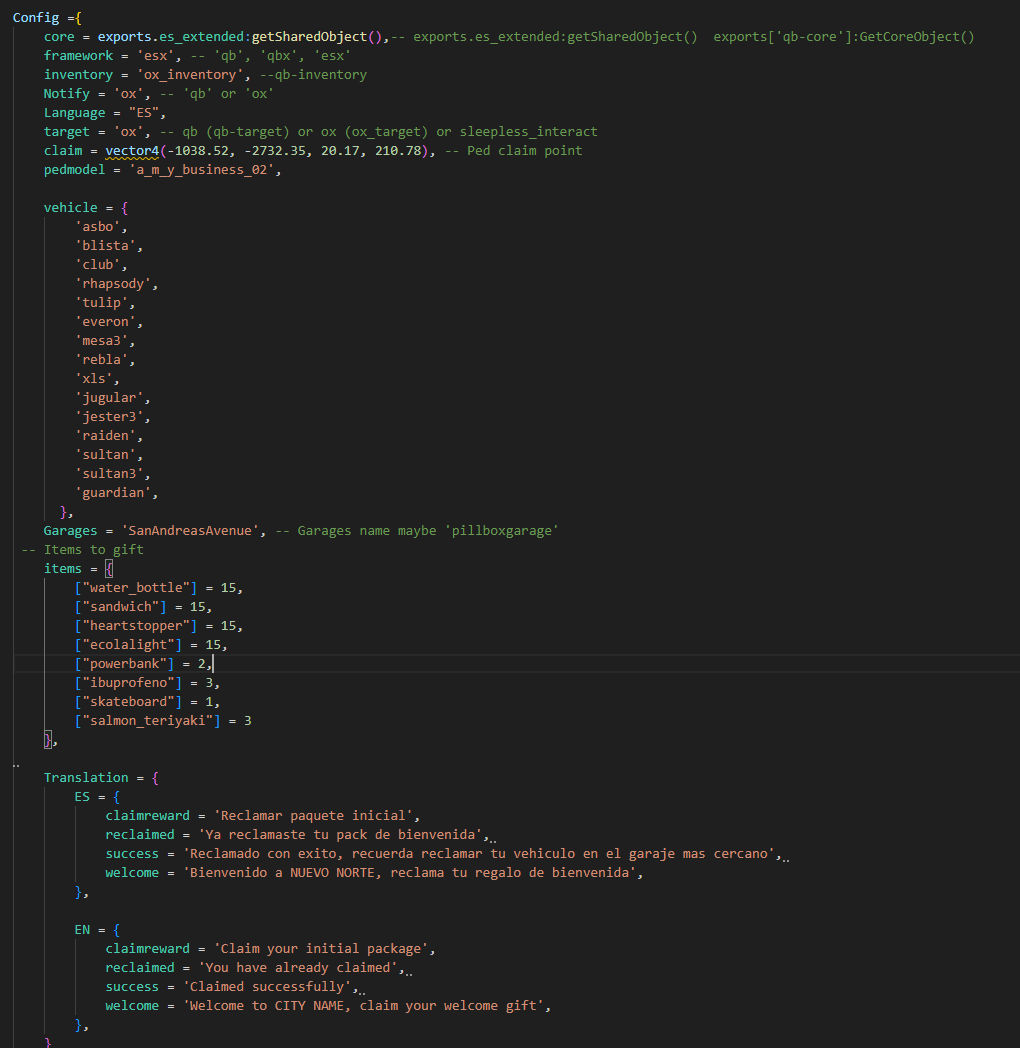
- Configurable Commands: Change both the admin command and player redeem command from config.lua.
- Total Stock Limit: Define how many times a coupon can be redeemed globally across all players.
- Per-Player Limit: Define how many times the same person can redeem the same coupon.
- Expiration Date: Set a specific expiration date and time or leave it unlimited.
- Duplicate Protection: Prevent abuse by tracking how many times each player has redeemed each coupon.
- English and Spanish locale.
- Easy Language Expansion: Add new languages by creating a new JSON locale file
- Active State Validation: Inactive coupons are automatically rejected until they are enabled again.
Reward Types
- Item Rewards: Give any item directly to the player's inventory with a custom quantity.
- Money Rewards: Reward players with money.
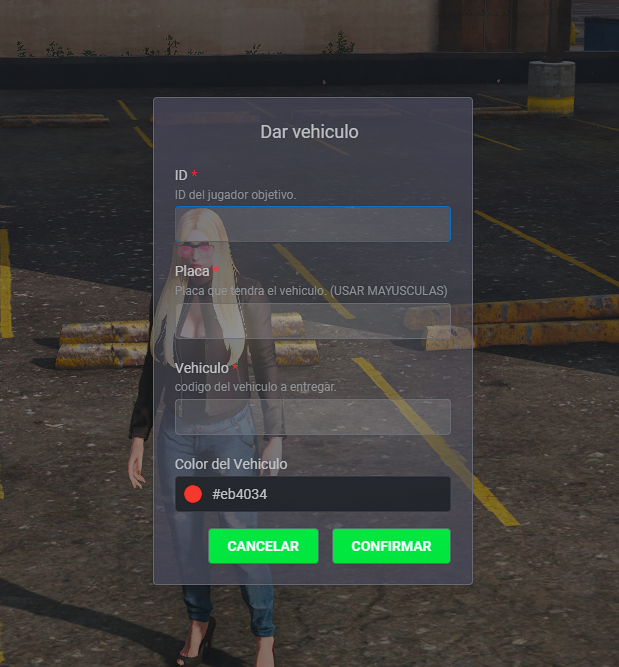
- Vehicle Rewards: Insert vehicles directly into the player's garage database with generated plate support and key delivery.
- Multiple Rewards Per Coupon: A single coupon can contain one or many rewards at the same time.
Dependencies
- Frameworks: Fully compatible with QBX, QBCore, and ESX.
- Inventory Support: Compatible with ox_inventory, qb-inventory, origen_inventory, and qs-inventory.
- Vehicle Key Support: Supports qb-vehiclekeys, Renewed-Vehiclekeys, and ys-vehiclekeys, but you can add more.
- ox_lib
- oxmysql
Installation Guide
1. Place the `ys_coupons` folder inside your `resources` directory.
2. Import `ys_coupons.sql` into your database — creates the two required tables.
3. Add `ensure ys_coupons` to your `server.cfg` **after** your framework, ox_lib, and inventory resource.
4. Grant the admin ACE permission in `server.cfg`:
```
add_ace group.admin ys_coupons.admin allow
```
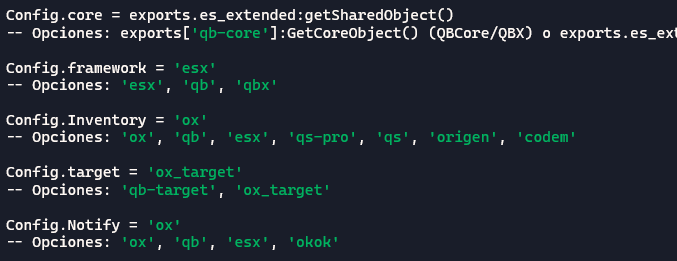
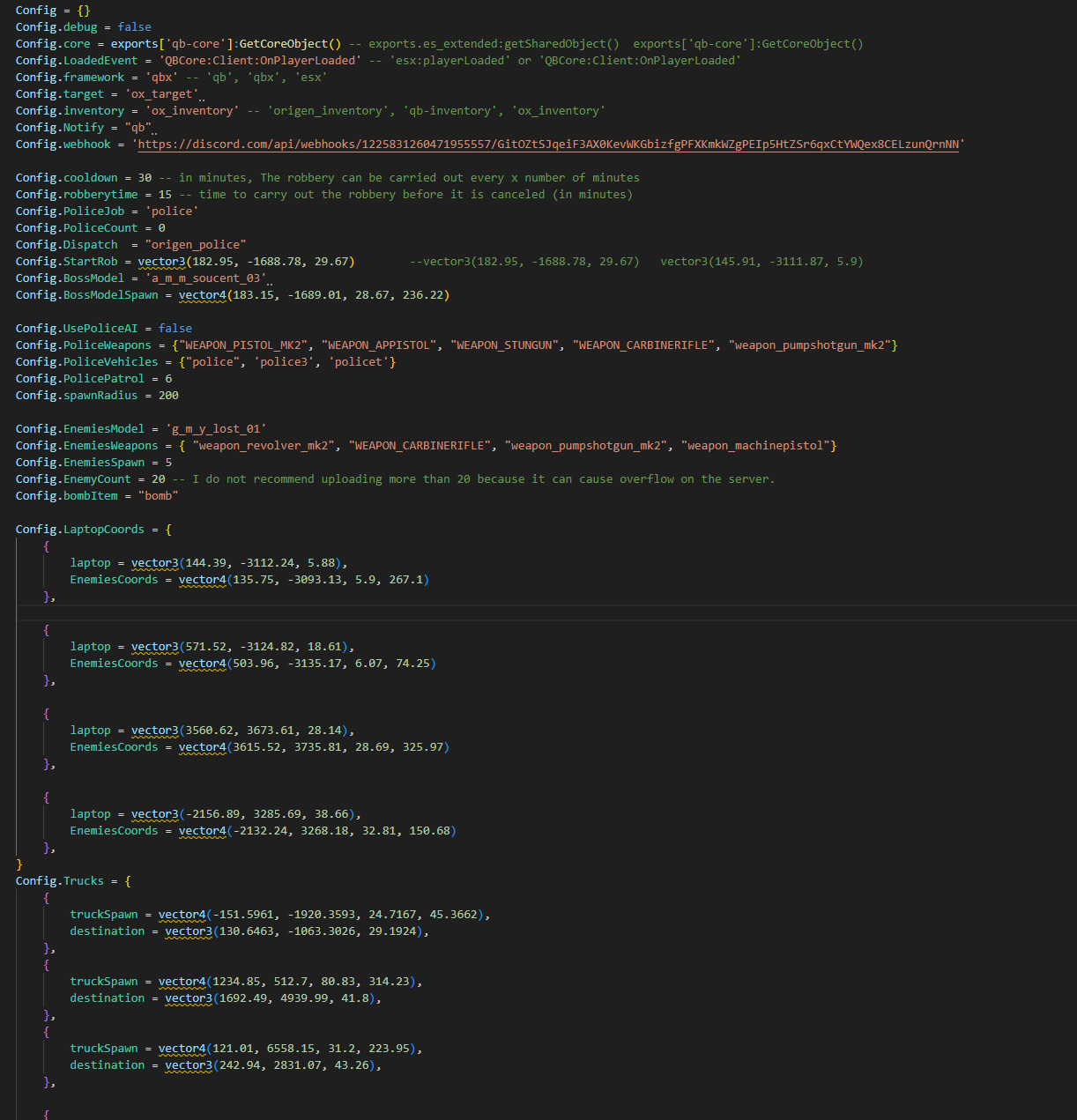
5. Open `config.lua` and set your `framework`, `inventory`, `notify`, and `language`.
6. Restart your server. Done.