





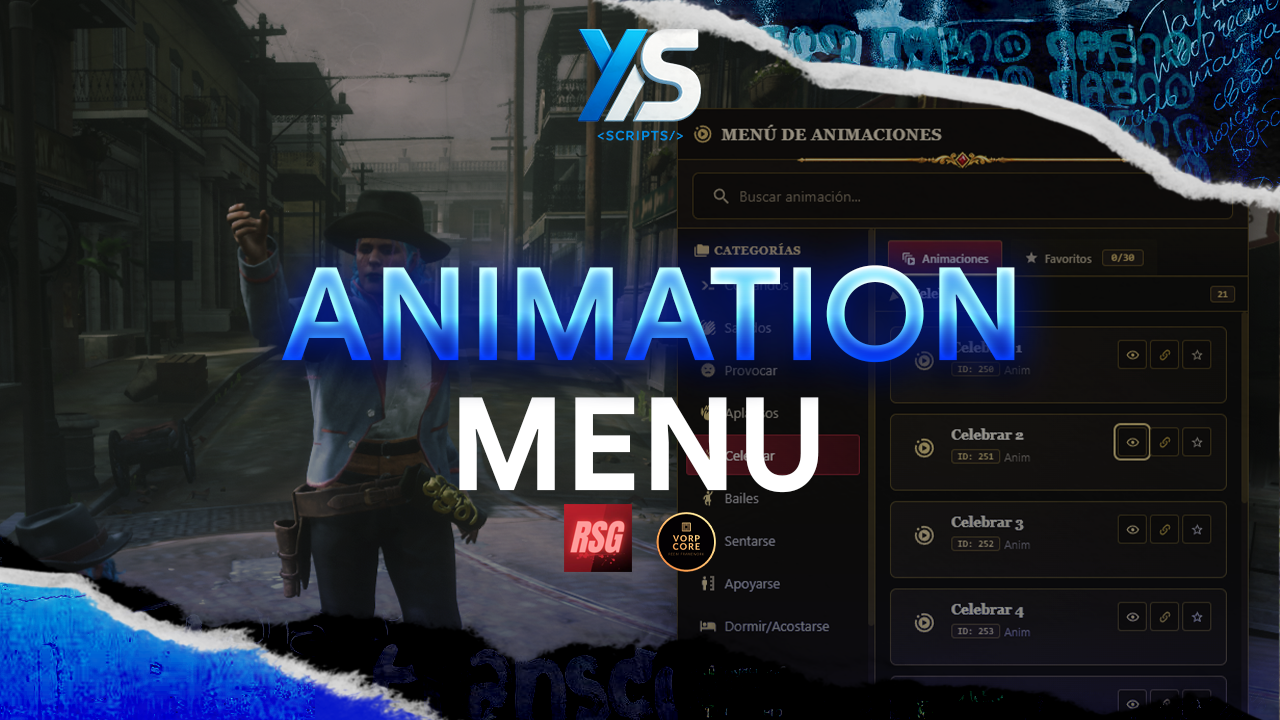
Small animation script I created for one of the servers where I work.
[SHOWCASE VIDEO]
Key Features
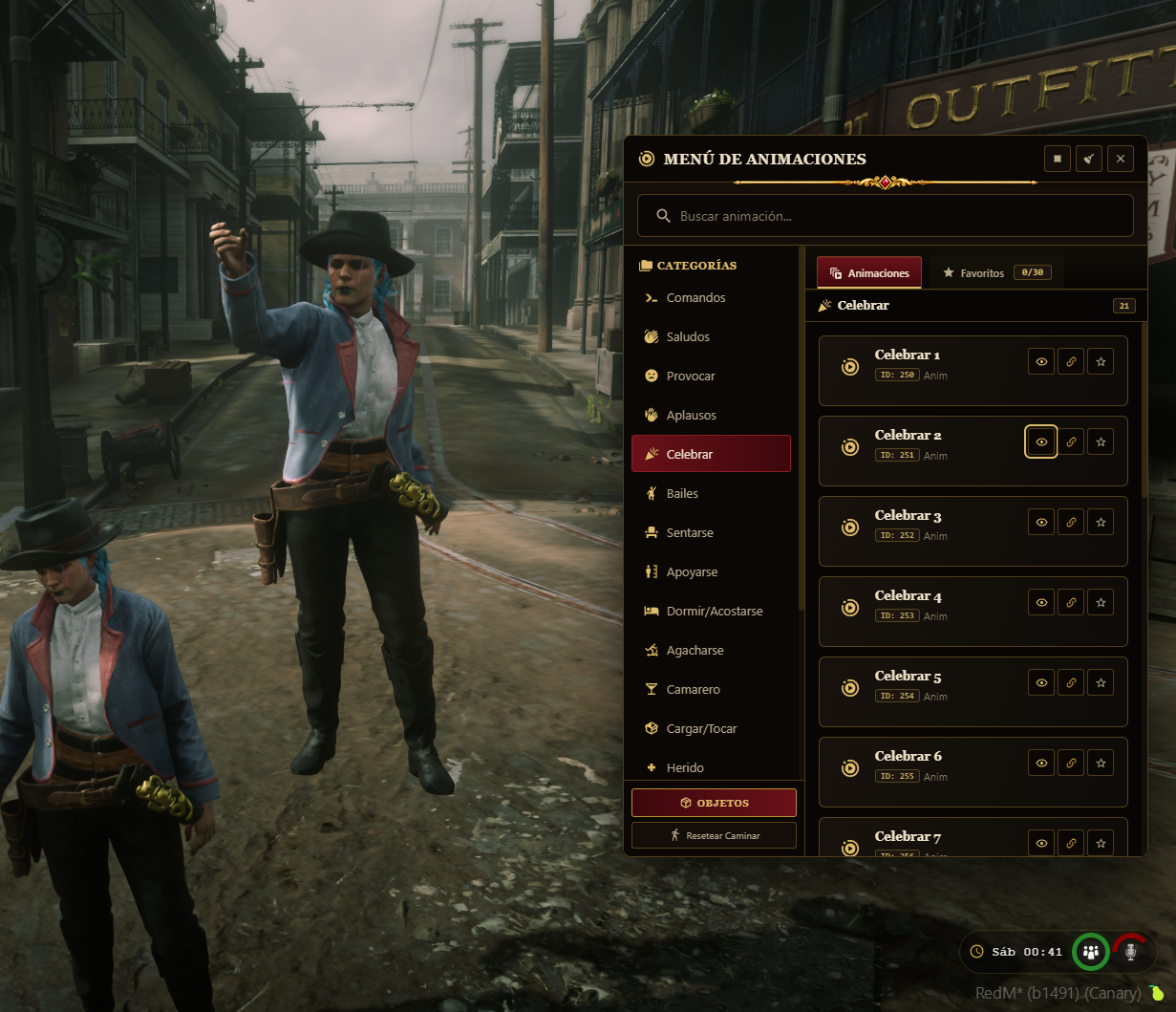
Massive Animation Library: Includes organized categories for Dances, Salutes, Provocations, Sitting, Resting, and more.
Walk Styles & Moods: Includes a dedicated "Walking Styles" category to change how your character moves through the world.
Favorite System: Players can "Heart" any animation to save it to their personal favorites tab for quick access. This data is persistent (saved in database).
Quick Commands (/e): Full support for quick emotes (e.g., /e smoke, /e sit) with fuzzy search logic—matching the closest animation name or alias.
Wide variety of shared animations
Smart Cancellation: Configurable options to automatically stop animations when the player moves or takes damage. Includes /resetmove to fix stuck characters.
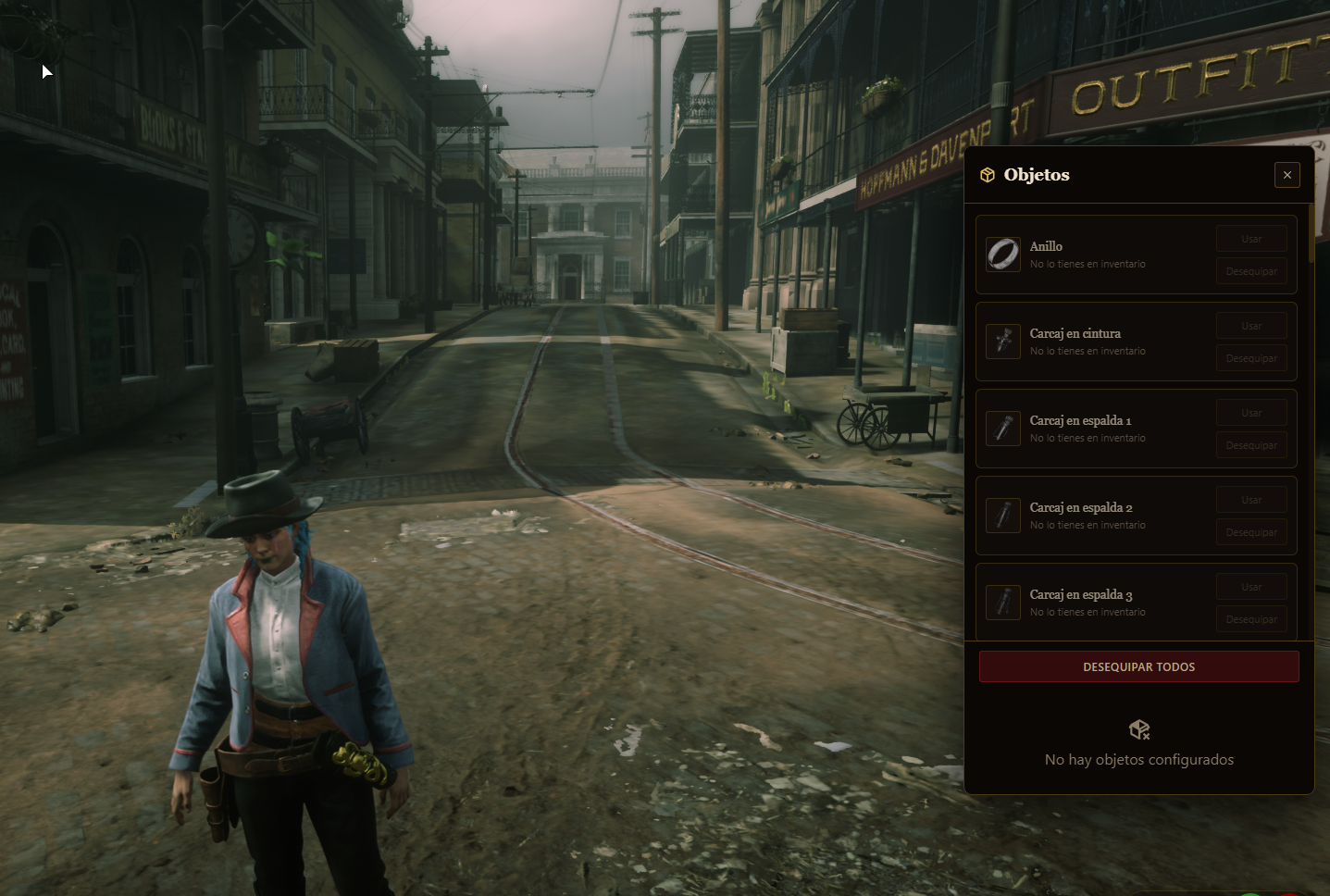
Prop Support: Animations can spawn and attach props automatically (where supported).
Multi-Language: 100% translatable. Comes with English and Spanish locales and commented configuration files out of the box.
Love, +18 and share animations.
Requirements
Framework: Vorp Core and RSG
Library: ox_lib
Database: oxmysql
Installation
Download: Place the ys_animmenu folder in your resources directory.
Database: Import the database.sql file into your server's database (creates the favorites table).
Config: Open config.lua to adjust keys, notification system, and language (Config.DefaultLocale).
Start: Add ensure ys_animmenu to your server.cfg.
Configuration
Commands: Customize the command names (default: /anim, /e, /a) to fit your server rules.
Keys: Change the default menu key (F4) and cancellation key (X/Y).



Small animation script I created for one of the servers where I work.
[SHOWCASE VIDEO]
Key Features
Massive Animation Library: Includes organized categories for Dances, Salutes, Provocations, Sitting, Resting, and more.
Walk Styles & Moods: Includes a dedicated "Walking Styles" category to change how your character moves through the world.
Favorite System: Players can "Heart" any animation to save it to their personal favorites tab for quick access. This data is persistent (saved in database).
Quick Commands (/e): Full support for quick emotes (e.g., /e smoke, /e sit) with fuzzy search logic—matching the closest animation name or alias.
Wide variety of shared animations
Smart Cancellation: Configurable options to automatically stop animations when the player moves or takes damage. Includes /resetmove to fix stuck characters.
Prop Support: Animations can spawn and attach props automatically (where supported).
Multi-Language: 100% translatable. Comes with English and Spanish locales and commented configuration files out of the box.
Love, +18 and share animations.
Requirements
Framework: Vorp Core and RSG
Library: ox_lib
Database: oxmysql
Installation
Download: Place the ys_animmenu folder in your resources directory.
Database: Import the database.sql file into your server's database (creates the favorites table).
Config: Open config.lua to adjust keys, notification system, and language (Config.DefaultLocale).
Start: Add ensure ys_animmenu to your server.cfg.
Configuration
Commands: Customize the command names (default: /anim, /e, /a) to fit your server rules.
Keys: Change the default menu key (F4) and cancellation key (X/Y).
You have no favourites yet.
Loading purchases...
No purchases found for this period.