




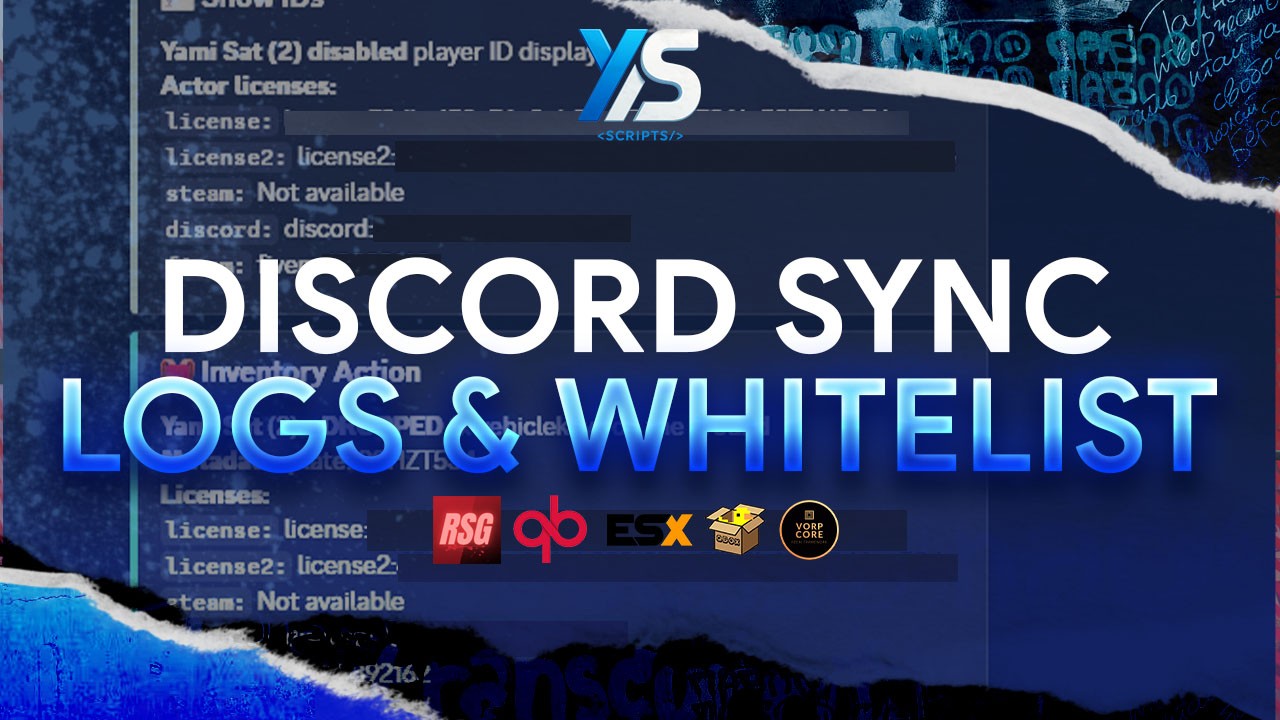
Take your server administration to the next level with the most complete and optimized Discord integration system. Sync permissions, manage your whitelist, display real-time player status, and keep detailed logs of everything happening on your server—all in a single script.
Access & Permissions (Whitelist & ACE)
Discord Whitelist: Server-side role validation before a player successfully connects.
Automatic ACE Sync: Automatically assigns permissions and commands based on Discord roles.
Multi-Role Support: Map multiple Discord roles to specific ACE groups and commands.
Live Re-Sync: Periodic re-syncing of online players to keep roles and ACE permissions updated in real-time.
Optional Auto-Kick: Automatically kicks players if they lose their required whitelist role while online.
Discord Rich Presence (RPC)
Full Customization: Configure your App ID, custom images, tooltips, and clickable buttons.
Live Player Count: Display the real-time active player count directly on the Discord status.
Advanced Logs & Webhooks
Framework Bridge: Fully compatible and adapted for RSG, VORP, QBX, QBCore, and ESX.
Base Events: Logs player connections, whitelist rejections, and sync events.
txAdmin Integration: Logs txAdmin menu actions and dashboard events.
ox_inventory Integration: Logs inventory actions, item usage, inventory openings, purchases, and crafting.
Complete Identifiers: Discord logs include: license, license2, steam, discord, and fivem.
Optimization & Structure
Maximum Security: Split configuration. A client-safe config.lua and a protected config_server.lua for tokens, IDs, and webhooks.
Discord API Protection: Built-in caching and request timeout handling to prevent API abuse. Includes Rate Limit (Error 429) protection with automatic retry support.
Localization System: Native centralized support in English and Spanish for log titles, descriptions, and labels.
Modular Code: Clean and organized structure (Core, Logging, Bridge, Locales, and API) ensuring lightweight and optimized performance.
Compatible Frameworks: VORP, RSG, QBX, QBCore, ESX.
Discord Bot: Requires a bot with the Server Members Intent enabled.
Optional (Depending on your setup):
txAdmin (For admin action logs).
ox_inventory (For inventory logs).
Place the script folder inside your resources directory.
Open config.lua and set up the visual Rich Presence settings (icons, buttons, tooltips).
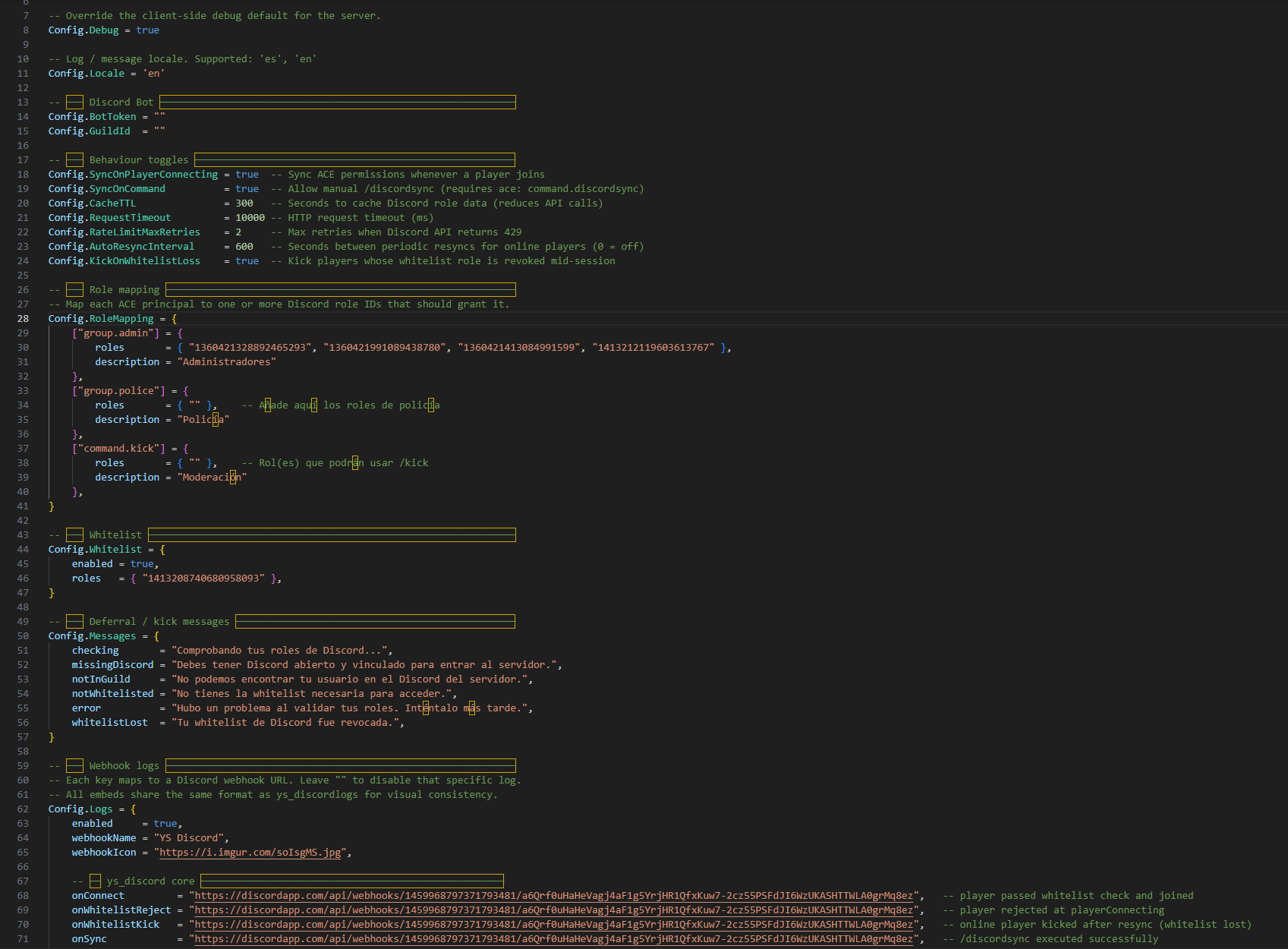
Open config_server.lua to securely configure your Bot Token, Guild ID, role mappings, whitelist roles, webhooks, locale, and sync behavior.
(Optional) Upload your custom assets to the Discord Developer Portal to use them in the Rich Presence.
Configure your ACE permissions/groups in your server.cfg as needed.
Make sure your Discord bot is invited to your guild and has the correct permissions to read member roles.
Ensure you start this resource after your framework and optional dependencies.
Note: If using txAdmin logs, keep txAdmin enabled on the server. If using inventory logs, ensure ox_inventory is started before this script.


Take your server administration to the next level with the most complete and optimized Discord integration system. Sync permissions, manage your whitelist, display real-time player status, and keep detailed logs of everything happening on your server—all in a single script.
Access & Permissions (Whitelist & ACE)
Discord Whitelist: Server-side role validation before a player successfully connects.
Automatic ACE Sync: Automatically assigns permissions and commands based on Discord roles.
Multi-Role Support: Map multiple Discord roles to specific ACE groups and commands.
Live Re-Sync: Periodic re-syncing of online players to keep roles and ACE permissions updated in real-time.
Optional Auto-Kick: Automatically kicks players if they lose their required whitelist role while online.
Discord Rich Presence (RPC)
Full Customization: Configure your App ID, custom images, tooltips, and clickable buttons.
Live Player Count: Display the real-time active player count directly on the Discord status.
Advanced Logs & Webhooks
Framework Bridge: Fully compatible and adapted for RSG, VORP, QBX, QBCore, and ESX.
Base Events: Logs player connections, whitelist rejections, and sync events.
txAdmin Integration: Logs txAdmin menu actions and dashboard events.
ox_inventory Integration: Logs inventory actions, item usage, inventory openings, purchases, and crafting.
Complete Identifiers: Discord logs include: license, license2, steam, discord, and fivem.
Optimization & Structure
Maximum Security: Split configuration. A client-safe config.lua and a protected config_server.lua for tokens, IDs, and webhooks.
Discord API Protection: Built-in caching and request timeout handling to prevent API abuse. Includes Rate Limit (Error 429) protection with automatic retry support.
Localization System: Native centralized support in English and Spanish for log titles, descriptions, and labels.
Modular Code: Clean and organized structure (Core, Logging, Bridge, Locales, and API) ensuring lightweight and optimized performance.
Compatible Frameworks: VORP, RSG, QBX, QBCore, ESX.
Discord Bot: Requires a bot with the Server Members Intent enabled.
Optional (Depending on your setup):
txAdmin (For admin action logs).
ox_inventory (For inventory logs).
Place the script folder inside your resources directory.
Open config.lua and set up the visual Rich Presence settings (icons, buttons, tooltips).
Open config_server.lua to securely configure your Bot Token, Guild ID, role mappings, whitelist roles, webhooks, locale, and sync behavior.
(Optional) Upload your custom assets to the Discord Developer Portal to use them in the Rich Presence.
Configure your ACE permissions/groups in your server.cfg as needed.
Make sure your Discord bot is invited to your guild and has the correct permissions to read member roles.
Ensure you start this resource after your framework and optional dependencies.
Note: If using txAdmin logs, keep txAdmin enabled on the server. If using inventory logs, ensure ox_inventory is started before this script.
You have no favourites yet.
Loading purchases...
No purchases found for this period.