
New scripts in store – check out our latest releases!

No top donator yet.

Strenkz
Strenkz
Today 20:06
ChopCityFNX
ChopCityFNX
Thu 18:39
Gecko_Gaming
Gecko_Gaming
Thu 11:25
MrGetItDone94
MrGetItDone94
Thu 02:20
DickerRelaxo
DickerRelaxo
Wed 12:14
Strenkz
Strenkz
Today 20:06
ChopCityFNX
ChopCityFNX
Thu 18:39
Gecko_Gaming
Gecko_Gaming
Thu 11:25
MrGetItDone94
MrGetItDone94
Thu 02:20
DickerRelaxo
DickerRelaxo
Wed 12:14
Top
Community Service

Community Service

9.99 USD
Add to Cart
Top
Payment Terminal

Payment Terminal

14.99 USD
Add to Cart
Top
Policetools

Policetools

14.99 USD
Add to Cart
Top
CHAT

CHAT

8.99 USD
Add to Cart
Top
Minimal Chat

Minimal Chat

8.99 USD
Add to Cart
Mining
Thumbnail 1
Thumbnail 2
Thumbnail 3

Mining

Total Price
USD 9.99
Accepted payments
  • Apple Pay
  • Google Pay
  • Mastercard
  • Visa
  • American Express
Any questions? Discord

Overview

Detailed features and information

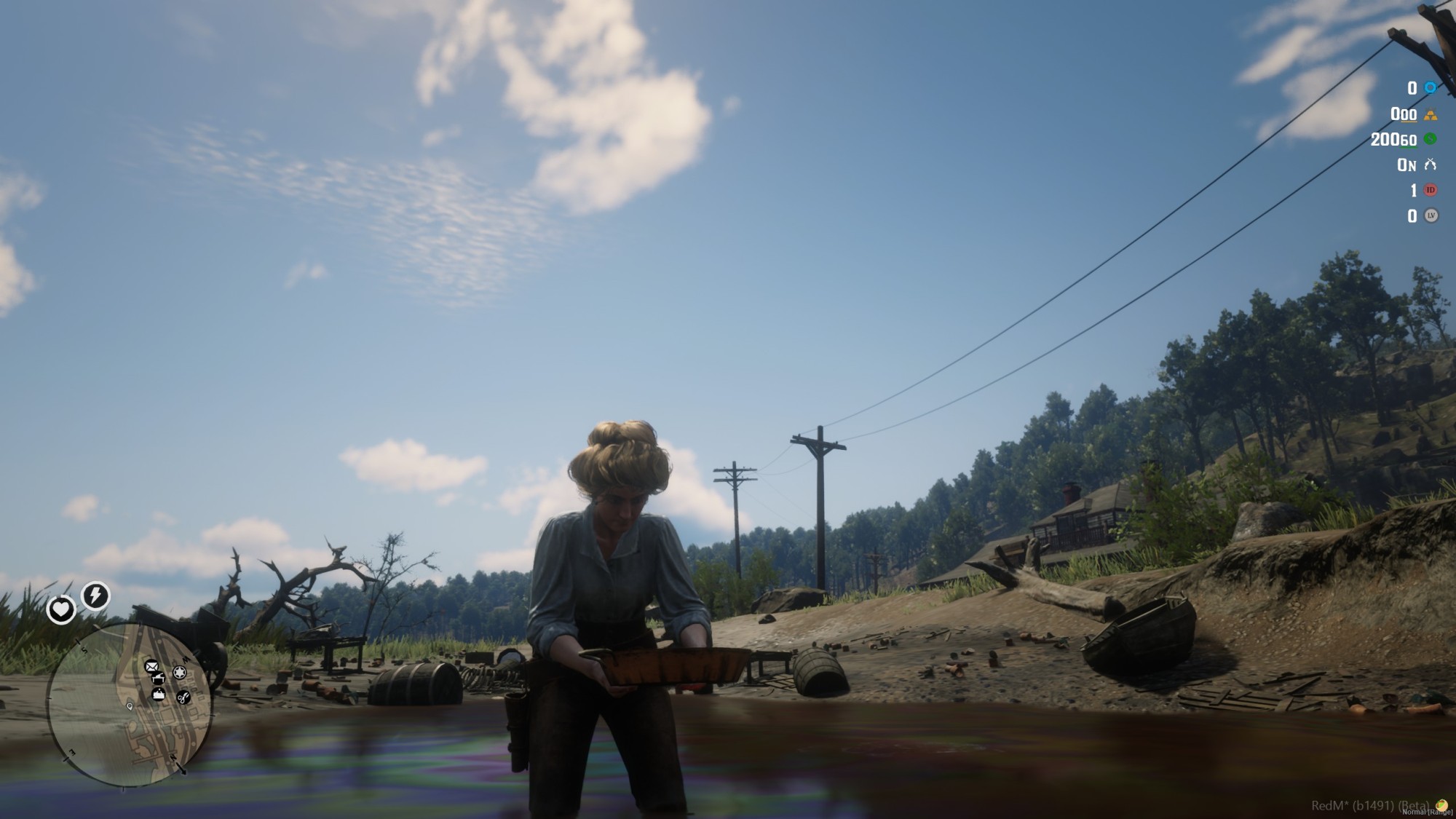
A complete and immersive mining system for RedM servers using Vorp Core.

Players can explore the world, locate mines, swing their pickaxe, pan for gold in rivers, and sell their findings at NPC shops  all while the world stays synchronized and persistent across every server restart.

[SHOWCASE VIDEO]

Key Features

  • Multiple mine types included out of the box: Gold, Silver, Coal, Diamond, and more. Each mine has its own stone positions, reward table, and respawn timer fully independent and fully configurable.
  • Interactive mining flow with custom pickaxe animation, prop attachment, and particle effects on stone break. Stones switch to a depleted visual state when mined and respawn automatically after a configurable time.
  • Every pickaxe swing triggers an `ox_lib` skill check, keeping players engaged and adding real difficulty to the activity. Difficulty is fully customizable per server.
  • Players can use a gold pan (`batea` item) at rivers to sift through stones and find gold nuggets, ore, and other rewards. Comes with a dedicated animation and prop attachment for a cinematic feel.
  • Fully featured buy/sell shops with NPC characters that spawn dynamically near mines. Players can purchase pickaxes and gold pans, and sell everything they collect. Shop prices are handled server-side only  never exposed to clients.
  • Enable a durability system so pickaxes wear out over time, adding economic value to crafting and buying new tools.
  • Stone states (mined / available) are stored in the database and survive server restarts. Players will always find the world in the state they left it.
  • Stone spawn/despawn and depletion states are managed server-side and synchronized between all players in real time. No desyncs, no duplicated stones — what one player mines stays mined for everyone.
  • Uses `ox_lib` distance-based point system (`lib.points`) so stones and NPCs only load for players who are actually nearby. Designed for busy servers with many players online simultaneously.
  • Restrict mining to specific jobs (e.g. `miner`, `prospector`) or leave it open for all players. Settings are enforced on the server to prevent bypassing.
  • Works with `sleepless_interact` (default) or `ox_target`. Switch with a single config line.
  • Each mine shows a blip on the map so players can easily navigate the world and discover new locations.
  • The Diamond mine spawns atmospheric torch props around the area for immersion, with configurable spawn and despawn distances.
  • English and Spanish locales included. Supports any language via `ox_lib` locale system.
  • Shop prices, mine rewards, and item verification are all handled server-side. Clients never receive sensitive data.

Requirements

  • Framework: vorp_core
  • Inventory:  vorp_inventory
  • Database:  oxmysql
  • Library:  ox_lib
  • Interaction:  sleepless_interact *(or ox_target)

 Installation

1. Download and place the `ys_mining` folder in your `resources` directory.

2. Import the included SQL file into your database.

3. Add the required items to your inventory database (`pickaxe`, `gold_ore`, `silver_ore`, `coal`, `diamond`, `stone`, `batea`, `gold_nugget`) — the SQL file includes the full INSERT block.

4. Configure mines, rewards, and shop prices in `config/server.lua`.

5. Adjust visual and gameplay settings in `config/client.lua`.

6. Add `ensure ys_mining` to your `server.cfg`.

YOUR WISHLIST

Previous Purchases

to

Loading purchases...