




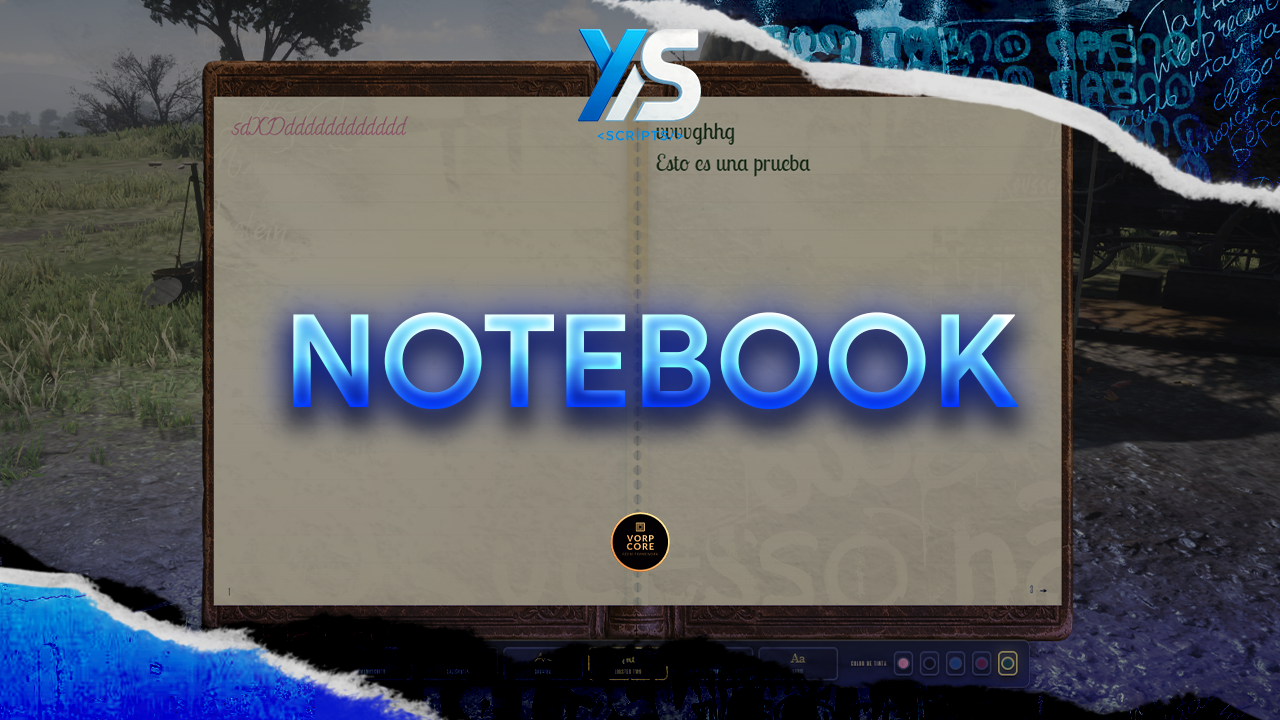
Another notebook script for Redm, I wrote this script a couple of months ago for the server where I worked, and now I'm sharing it in my store
Key Features
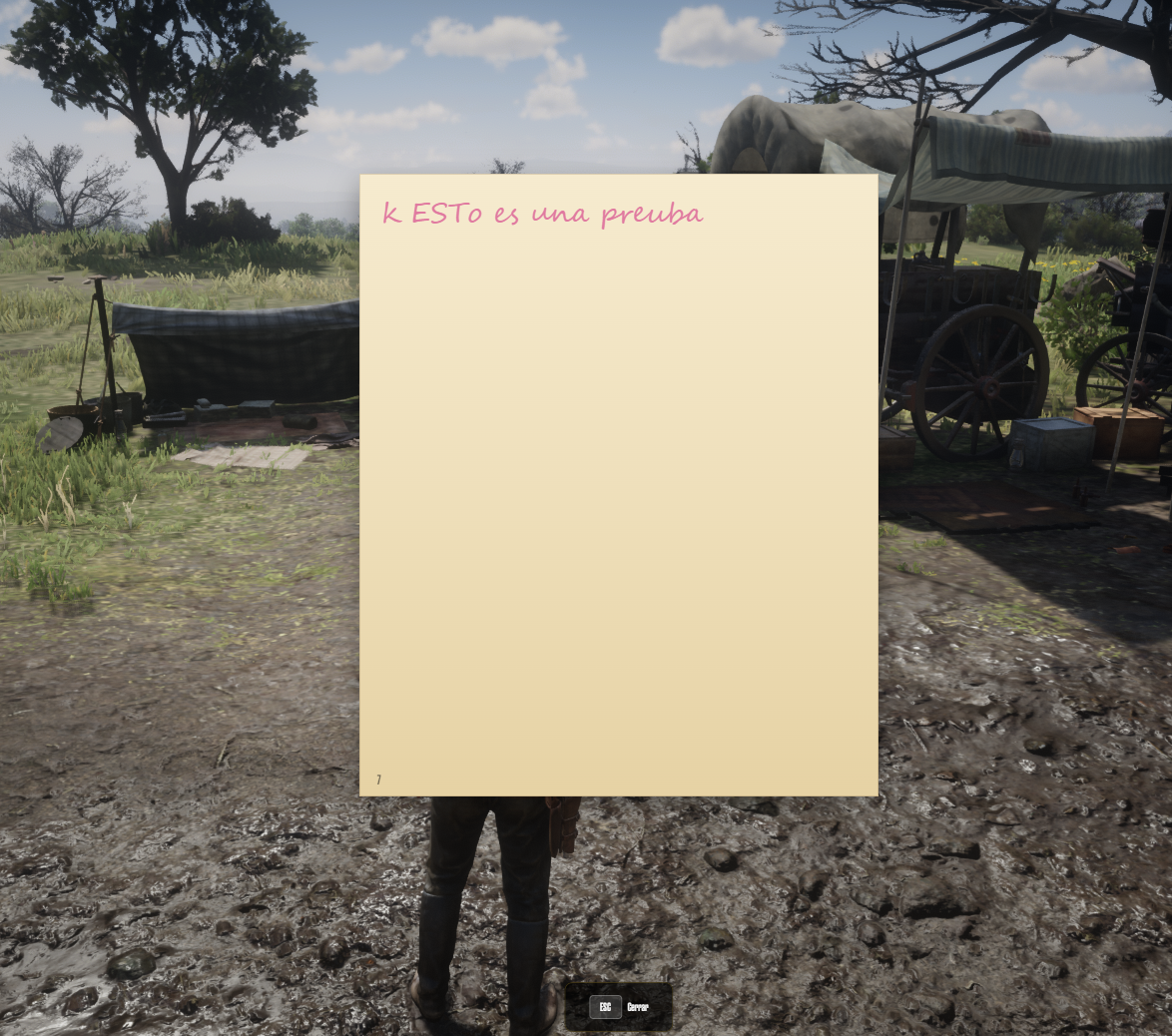
notebook_page inventory item that keeps the original text, font, ink, and page number. Using that item opens a read-only single-page view — perfect for letters, evidence, quests, or RP handoffs.notebookId) to a database row. First use creates the journal and links it; later uses open the same content. Notebooks can be traded or given away and the writing goes with the item./givenb (admin group) instantly gives a notebook for testing or staff tools.config.lua. SQL for the notebooks table and VORP inventory items is included.Requirements
vorp_core or RSG
vorp_inventory
oxmysql
ox_lib
Installation
Drop the ys_notebook folder into your resources directory.
Add ensure ys_notebook to your server.cfg after all dependencies.
Run sql/database.sql (or sql/items.sql for items only) — or let the resource auto-create the notebooks table on first start.
Insert the required inventory items (notebook, notebook_page) — included in the SQL files. Restart vorp_inventory so items load.
Configure config.lua to your preference (item names, max pages, keys, debug).
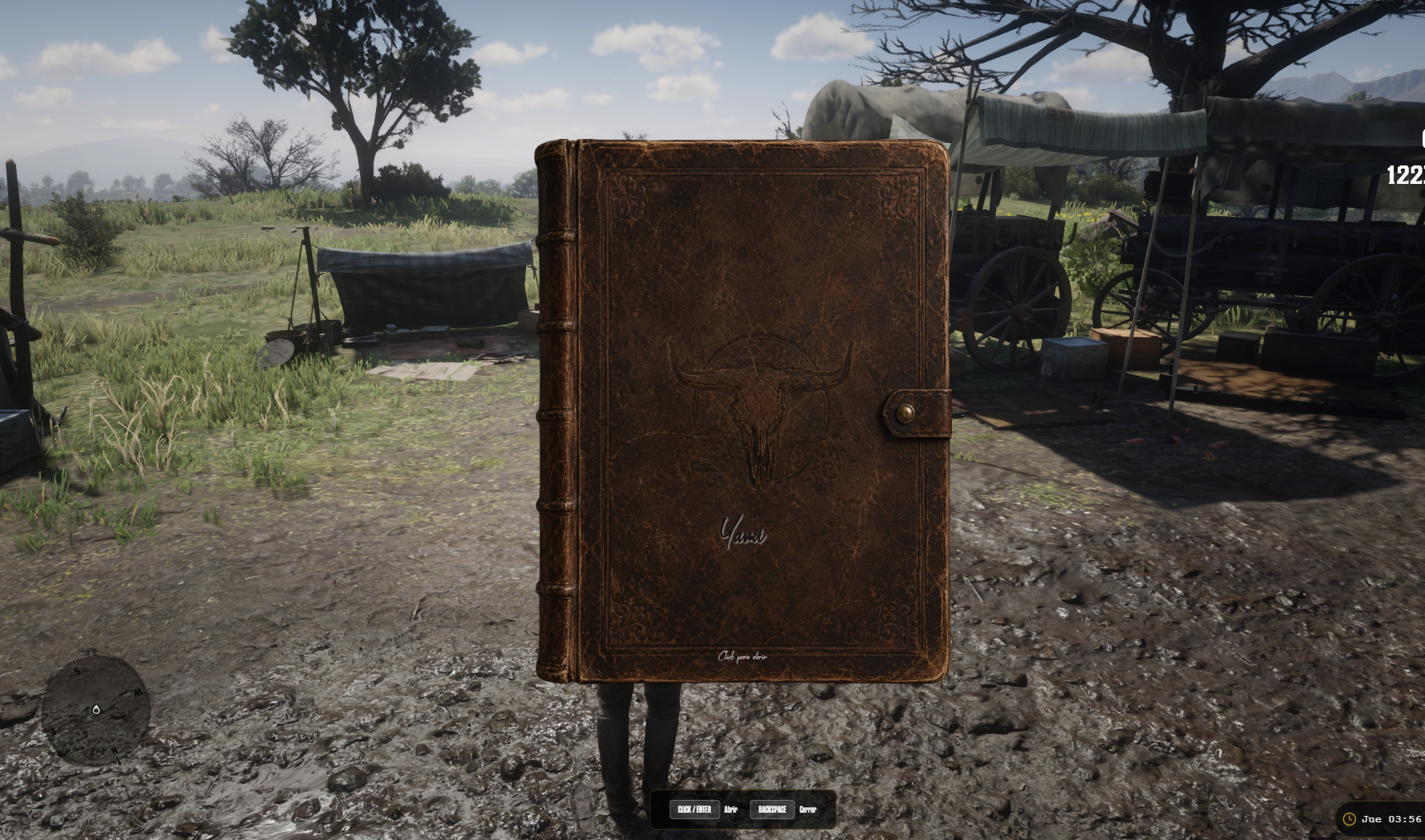



Another notebook script for Redm, I wrote this script a couple of months ago for the server where I worked, and now I'm sharing it in my store
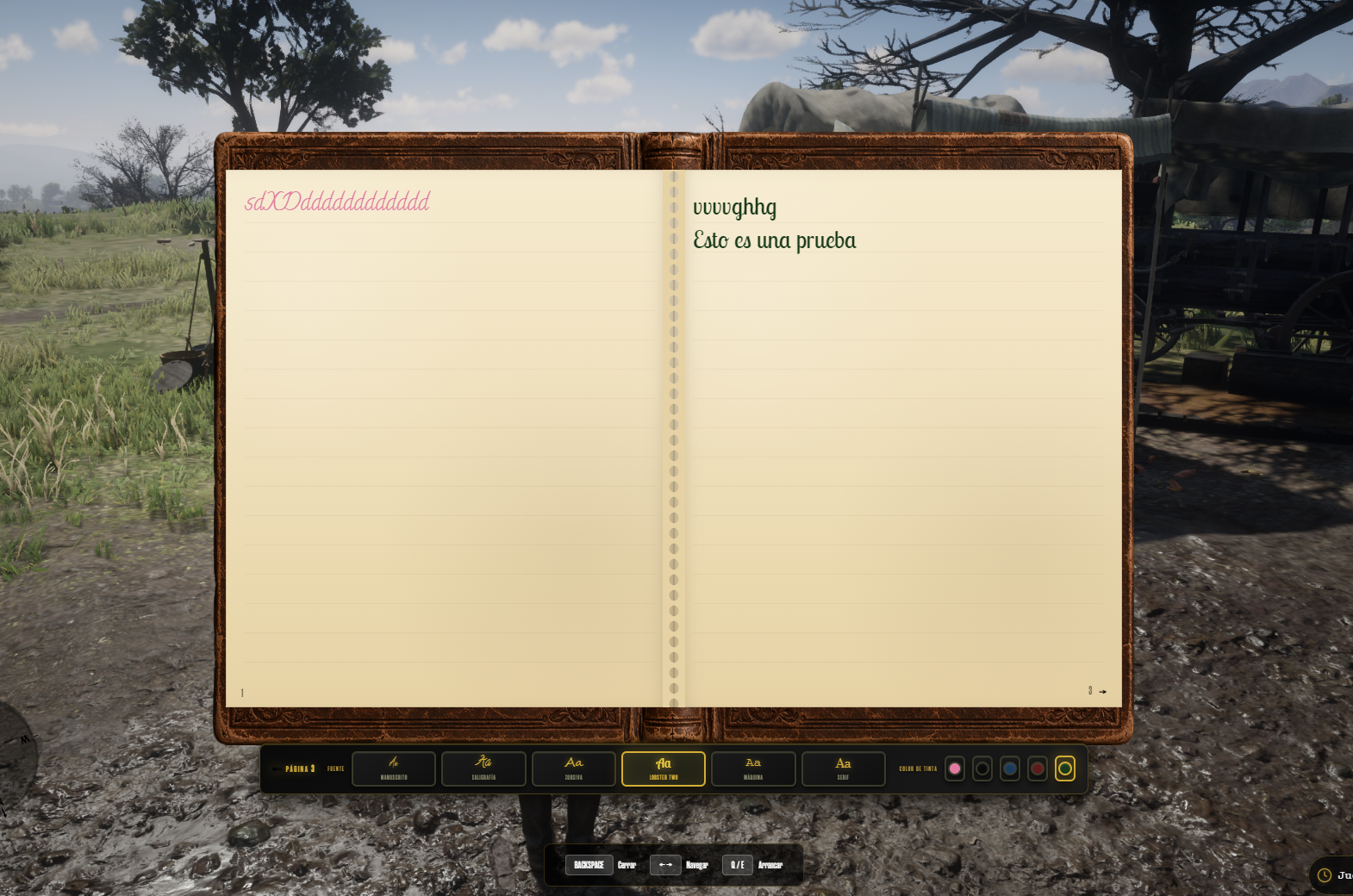
Key Features
notebook_page inventory item that keeps the original text, font, ink, and page number. Using that item opens a read-only single-page view — perfect for letters, evidence, quests, or RP handoffs.notebookId) to a database row. First use creates the journal and links it; later uses open the same content. Notebooks can be traded or given away and the writing goes with the item./givenb (admin group) instantly gives a notebook for testing or staff tools.config.lua. SQL for the notebooks table and VORP inventory items is included.Requirements
vorp_core or RSG
vorp_inventory
oxmysql
ox_lib
Installation
Drop the ys_notebook folder into your resources directory.
Add ensure ys_notebook to your server.cfg after all dependencies.
Run sql/database.sql (or sql/items.sql for items only) — or let the resource auto-create the notebooks table on first start.
Insert the required inventory items (notebook, notebook_page) — included in the SQL files. Restart vorp_inventory so items load.
Configure config.lua to your preference (item names, max pages, keys, debug).
You have no favourites yet.
Loading purchases...
No purchases found for this period.